 James Hillyerd
bd4cc4b842
James Hillyerd
bd4cc4b842
* feat(luahost): capture config settings set by Lua scripts

Add inbucket.config, a Lua-settable settings namespace, with its first
field decode_headers registering additional message headers for Inbucket
to decode.  Values are captured once at startup from the first pooled
LState and exposed to the assembly via Host.ScriptConfig().

Settings that only have value to the Lua script belong here rather than
in env config.  No consumers of decode_headers yet; that follows.

* feat(message): expose decoded headers to extensions

StoreManager gains ExtraDecodeHeaders, passed through to
enmime.DecodeHeaders, and the decoded header set (defaults plus any
registered extras) is attached to the InboundMessage event as
Headers (net/textproto.MIMEHeader).

Lua scripts access it via the read-only inbound_message.header field,
added with the new inbound_header binding.  Lookups are exact-then-
case-insensitive, since enmime canonicalizes keys with email-specific
rules that differ from net/textproto.

FullAssembly wires ScriptConfig().DecodeHeaders into StoreManager.

Part of #627.

* docs(extension): document shared and untrusted header semantics

Reviewer note: BeforeMessageStored listeners receive the same decoded
header map, so a Go listener's mutations are visible to later listeners.
Also record that sender-supplied header values (Authentication-Results,
X-Spam-Status) are untrusted unless the deployment controls provenance.

Part of #627.

---------

Co-authored-by: hillyerd-bot <hillyerd-bot@users.noreply.github.com>


Inbucket
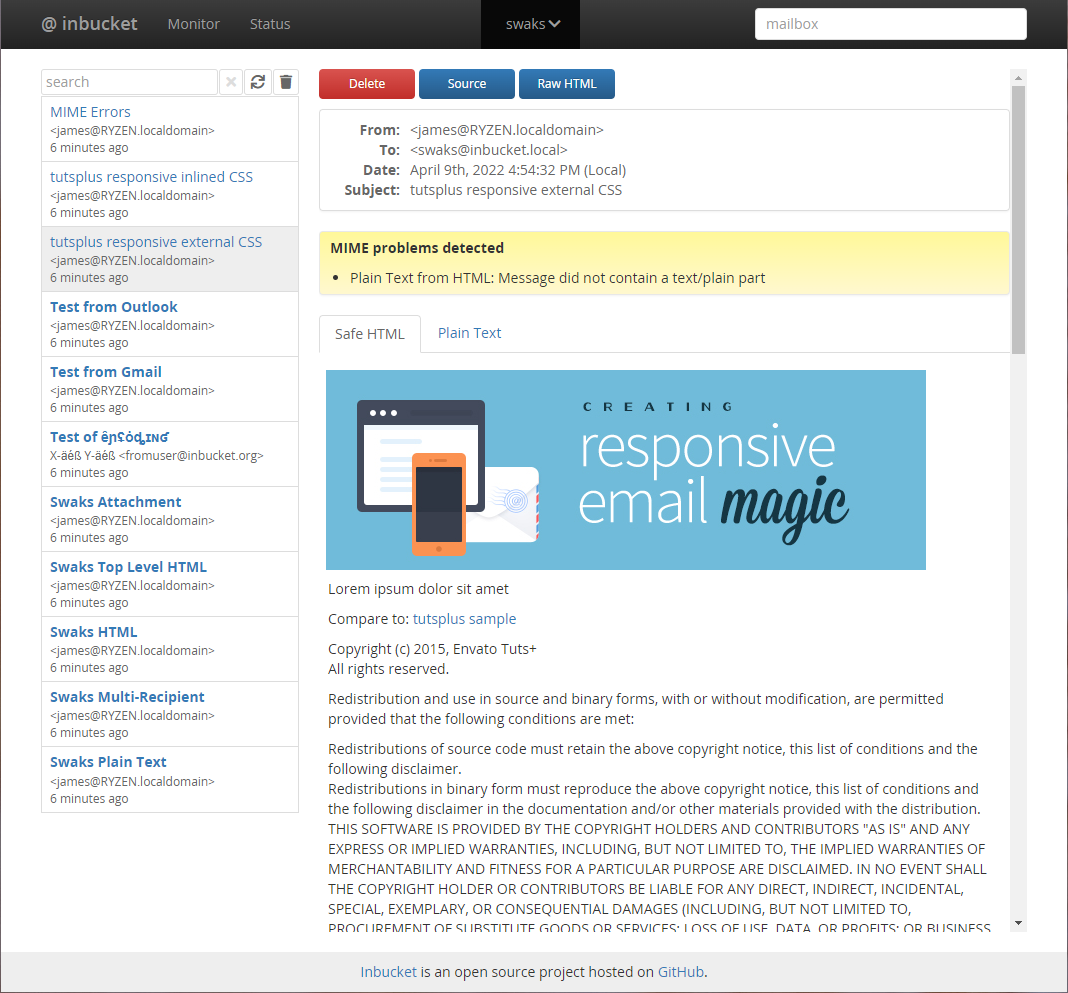
Inbucket is an email testing service; it will accept messages for any email address and make them available via web, REST and POP3 interfaces. Once compiled, Inbucket does not have any external dependencies - HTTP, SMTP, POP3 and storage are all built in.
A Go client for the REST API is available in
github.com/inbucket/inbucket/pkg/rest/client - Go API docs
Read more at the Inbucket Website
Development Status
Inbucket is currently production quality: it is being used for real work.
Please see the Change Log and Issues List for more details. If you'd like to contribute code to the project check out CONTRIBUTING.md.
Docker
Inbucket has automated Docker Image builds via Docker Hub. The latest tag
tracks our tagged releases, and edge tracks our potentially unstable
main branch.
Start the docker image by running:
docker run -d --name inbucket -p 9000:9000 -p 2500:2500 -p 1100:1100 inbucket/inbucket
Then point your browser to localhost:9000
Building from Source
You will need functioning Go and Node.js installations for this to work.
git clone https://github.com/inbucket/inbucket.git
cd inbucket/ui
yarn install
yarn build
cd ..
go build ./cmd/inbucket
For more information on building and development flows, check out the Development Quickstart page of our wiki.
Configure and Launch
Inbucket reads its configuration from environment variables, but comes with reasonable defaults built-in. It should work on most Unix and OS X machines as is. Launch the daemon:
./inbucket
By default the SMTP server will be listening on localhost port 2500 and the web interface will be available at localhost:9000.
See doc/config.md for more information on configuring Inbucket, but you will likely find the Configurator tool the easiest way to generate a configuration.
About
Inbucket is written in Go and Elm.
Inbucket is open source software released under the MIT License. The latest version can be found at https://github.com/inbucket/inbucket